Android (Chrome)
- Open duskora.org in Chrome.
- Tap the three dots at the top right.
- Choose “Install app” or “Add to Home screen”.
- Tap Install. The icon now sits among your apps.
Home › Duskora as an app
Free · no app store needed · always the latest version
Duskora is a web app: you install the game straight from your browser. It gets its own icon on your home screen, opens full screen without an address bar and starts faster. You play with the same account and the same colony as in the browser.
Duskora is already installed as an app on this device.
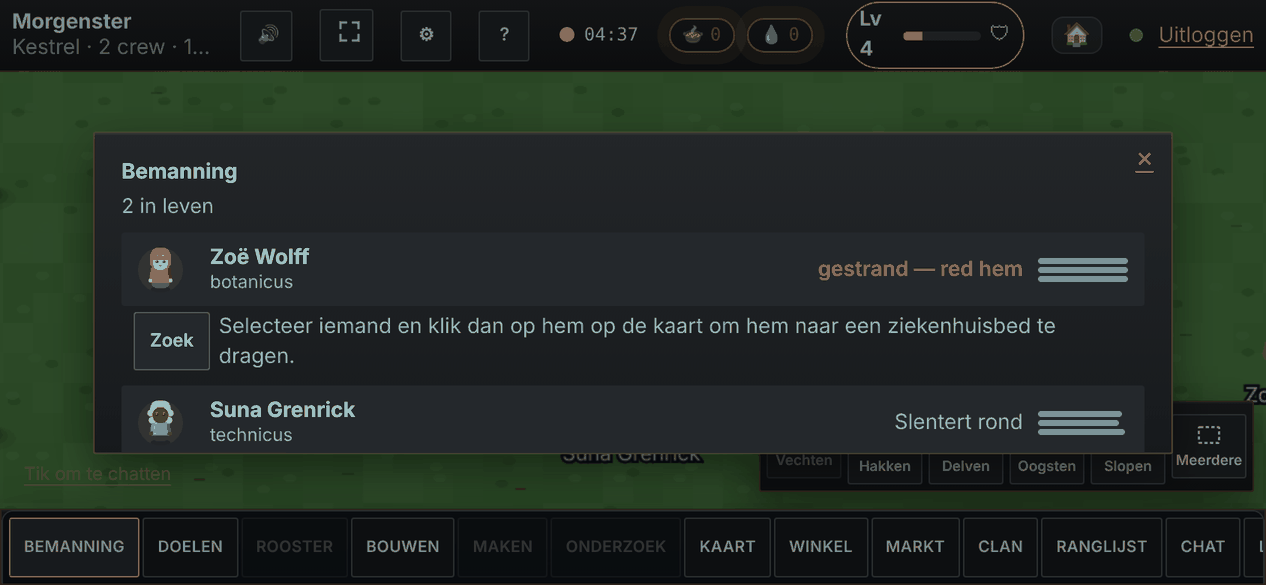
In an ordinary browser tab the address bar takes up room, and on a phone every bit of screen counts. As an app Duskora opens full screen and in landscape, so your colony gets the whole display. The game’s pictures and sounds are kept on your device, so after the first time it starts noticeably faster.
Duskora is not on Google Play or the App Store, and it does not need to be. You install it from the site itself; there is no separate installer, and the app asks for no access to your contacts, photos or location. To get rid of it, remove the icon like any other app.
You can also do it from inside the game: open the settings (the cog at the top) and choose “Install Duskora as an app”.
Your colony lives on the server, not on your device. Sign in on your laptop at home, on your phone on the way and on a Chromebook at school: you find the same colony every time. While you are away your colony rests; when you come back the game works out what your crew did in the meantime and gives you a short summary.
Yes. Installing and playing is free. There is a shop in the game, but you never have to buy anything to play or to progress.
No. Duskora is a web app that you install straight from duskora.org through your browser’s menu. That works on Android, iPhone, iPad, Chromebook, Windows, Mac and Linux.
No. Every time you open the game you get the latest version. After an update the game briefly tells you what is new.
No. Duskora is a world shared with other players and needs a connection. If the connection drops, the game reconnects by itself.
On an iPhone or iPad installing only works through Safari: the Share button, then “Add to Home Screen”. On Android and computers use Chrome or Edge. In other browsers you can simply play in the tab.
Open the game Read the beginner’s guide